
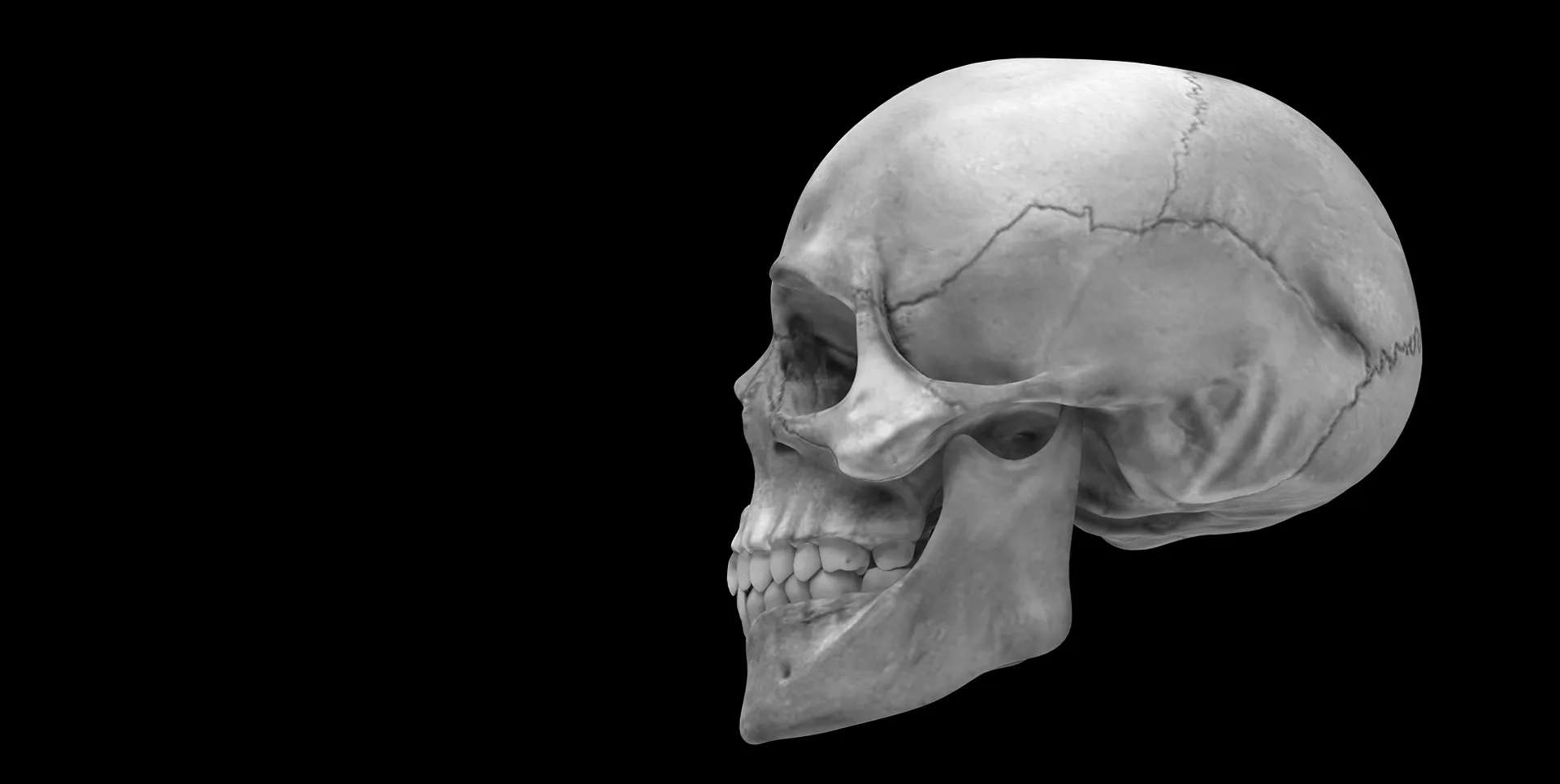
Dental Orb offers a powerful, web-based solution for performing 3D cephalometric analysis for free!
1. Upload STL Models: Click the "Choose File" area (or the + button) to select your .STL files. You can select multiple files at once (e.g., Maxilla and Mandible). The tool automatically respects the original coordinate system, so your upper and lower jaws will snap into their correct relative positions without manual alignment.
2. Navigation & Viewing: Interact with the 3D scene using standard CAD controls:
• Desktop: Left Click + Drag to Rotate | Right Click + Drag to Pan | Scroll Wheel to Zoom.
• Mobile: One finger to Rotate | Two fingers to Pan and Zoom.
3. Visualization Settings: Use the Sidebar to customize your view. Switch materials to "X-Ray" to see through bone, "Inspection" for matte detail, or "Bone" for realism. You can also toggle the 🔦 Headlamp and adjust its intensity to illuminate deep structures.
4. Linear & Angular Measurements:
• 📏 Linear: Click two points on the model to measure distance (mm).
• 📐 Angle: Click three points (Point A → Vertex → Point B) to measure the angle in degrees.
5. 3D Plane Construction:
• 🟦 Plane (3pt): Click 3 points to define a standard geometric plane.
• 🟦 Plane (4pt): Click 4 points. The tool uses "Best Fit" logic to create an average plane that passes through the centroid of your selection. Adjust transparency using the "Plane Opacity" slider.
6. Managing Data: Use the "Undo" button to remove the last placed point or measurement. Use the file list in the sidebar to toggle the visibility of specific STL layers (e.g., hide the Mandible to view the Maxillary occlusal surface).
Generated on:
Rotate: Left Click + Drag
Pan: Right Click + Drag
Zoom: Scroll Wheel
It is a specialized, web-based utility designed to visualize, manipulate, and measure 3D models (STL files) directly in your browser. While optimized for dental cephalometry, it offers a suite of CAD-like tools for analyzing 3D geometry without installing heavy software.
Yes. Dental Orb provides this 3D analysis tool completely free of charge to support students, researchers, and clinicians in exploring 3D data easily.
Currently, the tool supports .STL (Stereolithography) files, which are the industry standard for 3D printing and medical scans (CBCT exports). You can upload multiple STL files simultaneously (e.g., separate Maxilla and Mandible models).
Yes, absolutely. While the branding is dental, the underlying technology is a pure geometric analysis engine. You can upload any STL file—engineering parts, 3D printing drafts, or biological models—and use the linear, angular, and plane tools to measure them effectively.
The tool calculates measurements with mathematical precision based on the coordinate data within your file. However, real-world accuracy depends entirely on your STL export settings. If your STL file was exported at a 1:1 ratio (life-size), the measurements will be accurate to the millimeter.
No. As stated in our disclaimer, this tool is intended strictly for educational and research purposes only. It should not be used as the sole basis for clinical diagnosis, patient management, or surgical planning. Users must verify all data independently.

With over a decade of clinical experience in dentistry, my deep passion for cephalometric radiology has driven me to explore the intersection of traditional diagnostics and modern technology. Beyond my work in CBCT reporting and digital implantology, I am dedicated to advancing digital cephalometry, making precise 2D and 3D analysis accessible to practitioners. I actively support and educate the dental community on mastering these digital workflows to enhance clinical precision.
Academic Affiliations: Google Scholar, Research Gate